Thinking about getting that high resolution 8K printer but wonder which one will give the best 3D printing results for your models? We can assure you that you are not the only one.
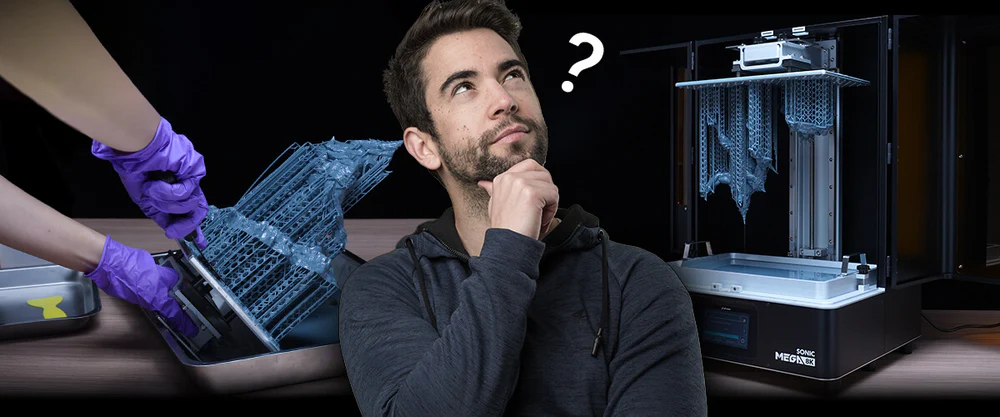
If you are new to 3D printing and are looking for the best resin 3D printer for beginners, then you might want to rule out the Sonic Mega 8K from your 8K printer options. First, it's way more expensive than its two other counterparts, the Sonic Mini 8K and the Sonic Mighty 8K. But along with the huge printing size, it also comes with huge challenges that require more skill and experience to master.
Now, with only two options left in hand, let's take a deeper look at the differences between these 8K resin 3D printers that people always rave about!

Printing Size

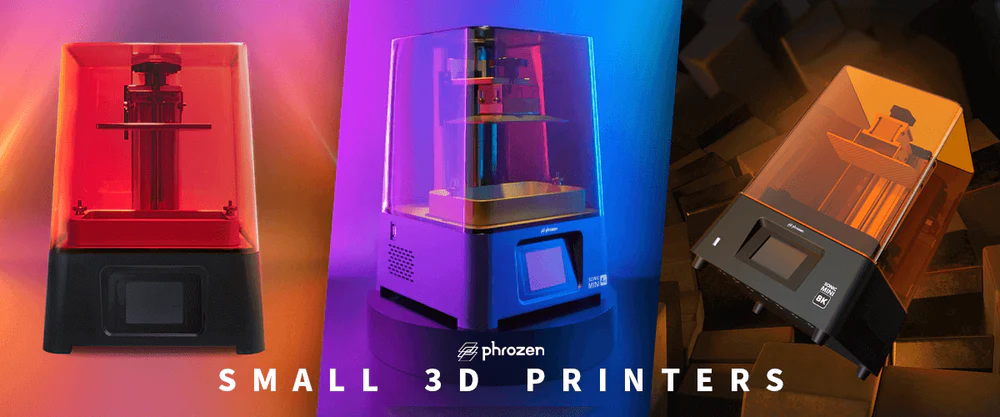
If you're familiar with Phrozen 8K printer series, you may have known that the significant differences between the Sonic Mini 8K and the Sonic Mighty 8K lie in the printing sizes. For larger prints like statues or figurines for your collections, or a bunch of miniatures in one batch, you might be more interested in the Sonic Mighty 8K due to its larger printing space. However, if you intend to achieve the highest details possible on your models, look no further than the Sonic Mini 8K. As the best high-resolution 3D printer on the consumer market with XY resolution as high as 22 µm, this printer is your best option to achieve the best details in your 3D models.
Resolution
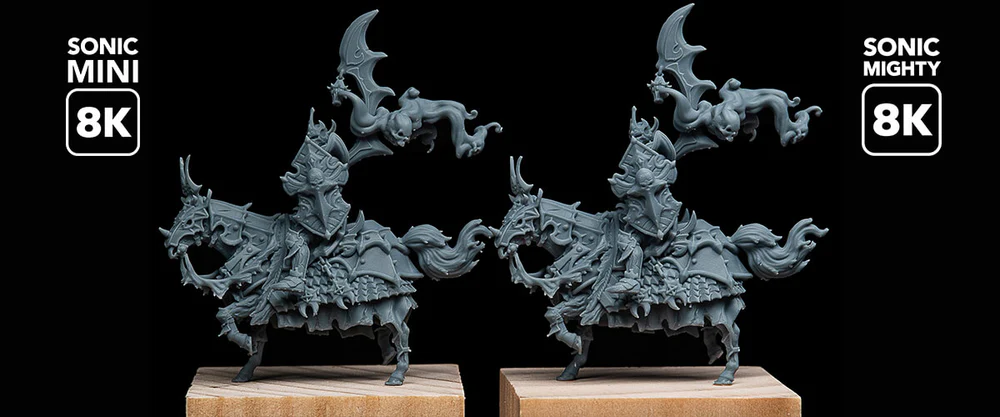
With the larger printing space, it's no surprise that the resolution on the Sonic Mighty 8K is also slightly lower than its mini-er predecessor. But no worries, with XY resolution reigning at 28 µm, it's likely that your naked eye can't even see the differences between the two! Only when you go so deep with macro lenses, then you might be able to see a tiny, tiny variance in the quality.

Anti Aliasing Test
If you are curious how the performance of the anti aliasing feature in the Sonic Mighty 8K compares to the Sonic Mini 8K, one of our users, Maria ZN, has done the tests for you! Let's check it out!
For the consistency of these tests, Maria made sure that all the test strips and the shields were located right at the center of the build plate.

Maria did multiple tests with a variation of AA2, Grey Level, and Image Blur to see the performance of the prints. From her tests, she found that the results for the Sonic Mighty 8K look best when she only uses AA2.

On the test strip printed on Sonic Mighty 8K, she found a really small dent in the lower part due to a lifting speed that turned out to be too fast. However, as it didn't affect the results of the AA, she went along with it. The issue was later fixed by lowering the lifting speed from 100 to 80.

If you want to do the anti aliasing test by yourself, make sure to check out Maria's models.
So does it gives you a better idea about which 8K resolution printer you should go with? Let us know which one you would get in the comment below!
Special thanks to Maria Zur Nedden for all the images.